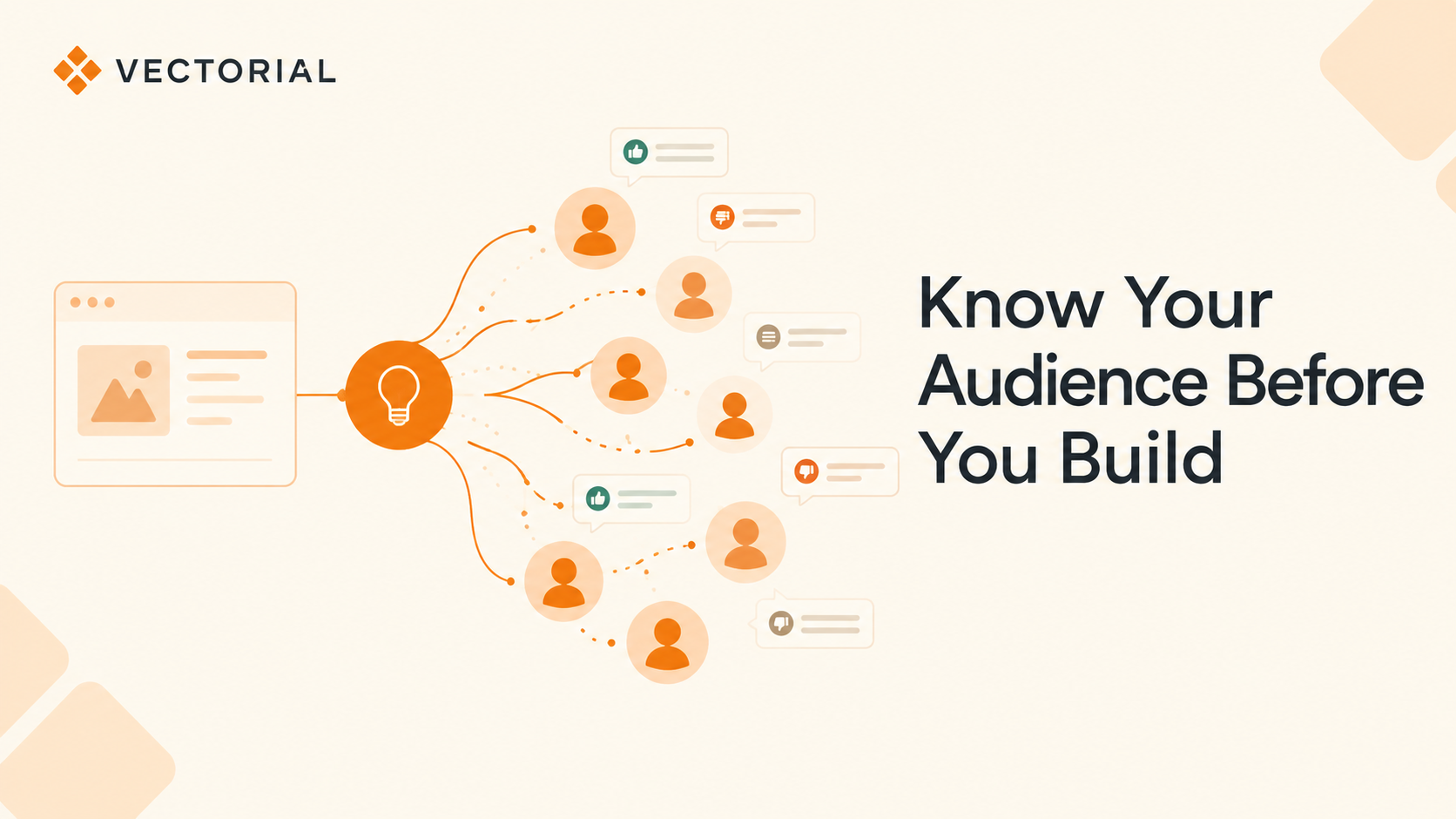
Y Combinator's Garry Tan has said that roughly a quarter of a recent YC batch shipped codebases that were almost entirely written by AI. That's not an outlier, that's just where building sits right now. Anyone with an idea and a laptop can ship a working product over a weekend. What almost nobody does anymore is the step that used to come before the build: real user research on who this is actually for, and how they'd react to it.
Here's the part everyone's getting wrong
Most teams skipping real research aren't skipping research entirely, they're asking an LLM to stand in for it. That's the actual problem, when LLMs get smarter, they get worse at predicting human behaviour. Stanford's Santurkar et al. found that language models default to a narrow, fairly homogeneous set of opinions rather than the wide, contradictory spread you'd get from real people. Alignment training makes this worse: models are optimized to give one agreeable answer, so they drift toward the average response. That's the opposite of what an audience actually looks like.
Real audiences don't converge. A senior PM and a first-time founder read the same onboarding screen completely differently. A parent running on four hours of sleep reacts nothing like a well-rested power user. An LLM giving you "the" answer for what users think is quietly averaging all of that away, and handing you a confident consensus that no actual person holds. More parameters won't fix that. It's not a knowledge gap, it's what the training process rewards.
The bill always comes due
Skip the research and the work doesn't disappear, it just changes owners. Designers inherit a flow nobody validated and get told to "make it feel right." PMs inherit a roadmap built on a founder's gut instead of a signal. Marketers get handed messaging that killed it in the internal Slack thread and lands flat with real customers. Everyone ends up doing the research anyway, just after launch, with churn as the dataset.
What real audience behavior looks like, and why guessing doesn't scale
This is the exact gap Vectorial's SAPIENS model is built to close. It's trained on real behavioral data, not a persona prompt, and independent benchmarking puts its opinion-match accuracy at 87% against held-out real studies, roughly 35% more accurate than general-purpose LLMs attempting the same task. Full methodology is in the SAPIENS benchmarking study.
One customer, an AI wellness company, used Vectorial's human behavior simulation platform to test a journaling coach and went from roughly 10 shipped improvements a month to more than 100, a straight 10x jump in iteration speed, running against 10,000+ modeled users built from 400,000+ real behavior signals across three audiences. That's the gap between guessing and actually knowing.
What we're building: an extension that asks your audience directly
This part is still in build, not yet launched. We're putting a Chrome extension together that lets you select anything, a live site, a Figma prototype, a single screen, and ask a specific audience how they'd react to it. No separate tool, no scheduling real interviews, no week-long wait for a synthesis deck. Open the tab you're already working in and ask.
Step 1: Tell it who you're building for
Install from the Chrome Web Store, log in, and go through a short onboarding. Pick your audience based on what you're building and who it's for: product leaders, PMs, product marketing managers, designers, or a custom segment. Each one shows its own profile count and signal count up front, so you know how grounded the feedback is before you've asked a single question.

Step 2: Point it at exactly what you want evaluated
By default, Vectorial reads the tab you're already on. Want feedback on one specific piece instead of the whole page, a new onboarding step, a pricing table, a single CTA? Drag a region straight on the live page, confirm it in the "Pick element" popup, and hit Analyze. You're not exporting screenshots into a separate tool or briefing a researcher on which part matters. You just draw a box around it.

Step 3: Ask your question, get the reaction, not just an opinion
This is the core of it. Ask something direct: "Is this giving my audience enough signal to make a decision? Is anything vague? Could this be better?" Vectorial answers in the voice of your selected audience, with a sentiment split across positive, neutral, and negative, plus the actual reasoning behind it and the traits driving that reaction.

Keep going. Ask what's confusing, ask if users would trust it, see exactly which traits, motivations, or past experience shaped that specific reaction.

Vectorial also surfaces suggested fixes on its own, so the loop from feedback to a next version is a click, not a follow-up meeting.

Before anything reaches a real user, turn the conversation into a validation step of its own. Instead of pushing straight to a live A/B test, generate a quick poll and run it against your simulated audience first. Confirm the hypothesis, then test it with real customers, not the other way around.

Same flow whether you're stress-testing a landing page, a pricing table, an onboarding screen, an ad, or a competitor's product. Pick the audience, point it at the screen, ask the question.
Why this can't wait until after launch
"No market need" consistently comes up as one of the most common reasons startups fail, ahead of running out of cash and outright competition. It's rarely an inability to build anymore, building is the easy part now. It's a failure to check, early and often, whether anyone actually wanted the thing before real budget and real engineering time went into it. Nielsen Norman Group's research has shown for years that even a handful of real users surfaces most usability problems before launch. AI didn't remove that need, it just made it easier to skip.
AI made the building part nearly free. That makes the validating part more important, not less. Teams that put audience feedback before the build, not as post-launch cleanup, are the ones iterating 10x faster and shipping fewer features nobody asked for.
Test your idea before you build it
Vectorial's Chrome extension is still in build. If you want early access, or want to see how a modeled population reacts to what your team is working on right now, book time with us.
Ready to see how your audience would actually react?
Book a demo →